¶ Introduction
This part will cover detailed explanation with regard to resume printing after power off.
¶ How to resume printing after power off
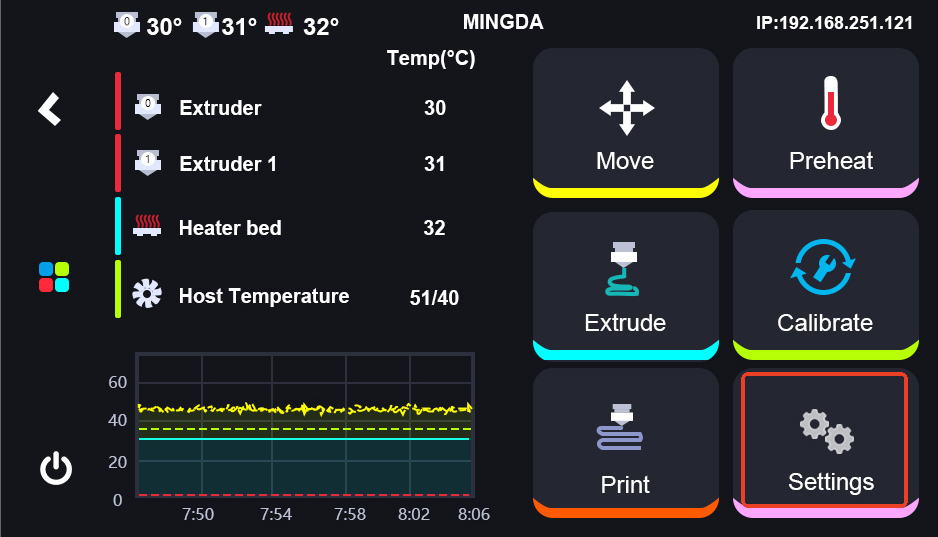
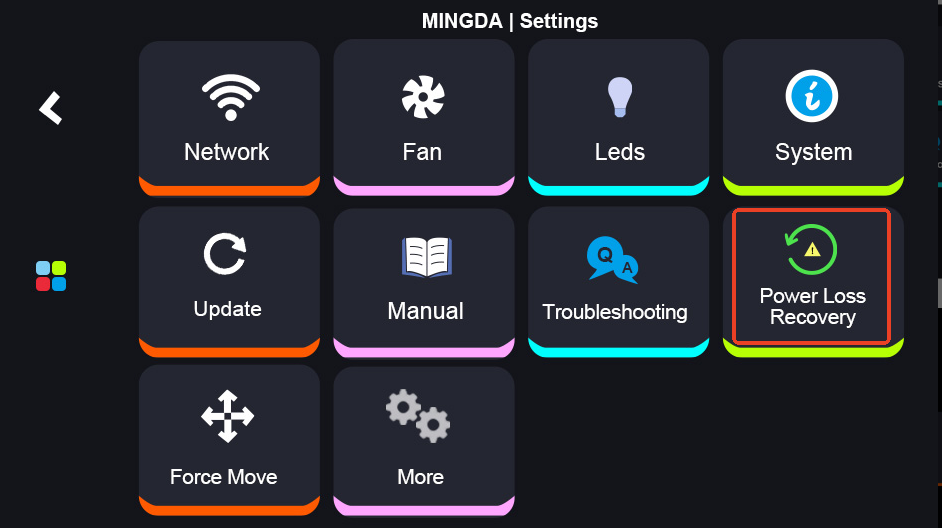
Firstly, once the power is restored, please turn on the printer. At this moment, it will perform a self-check automatically. Then go to Settings and find "Power Loss Recovery" to resume printing.
¶ Tips
If the printed height is less than 1 mm, resume printing is not supported.
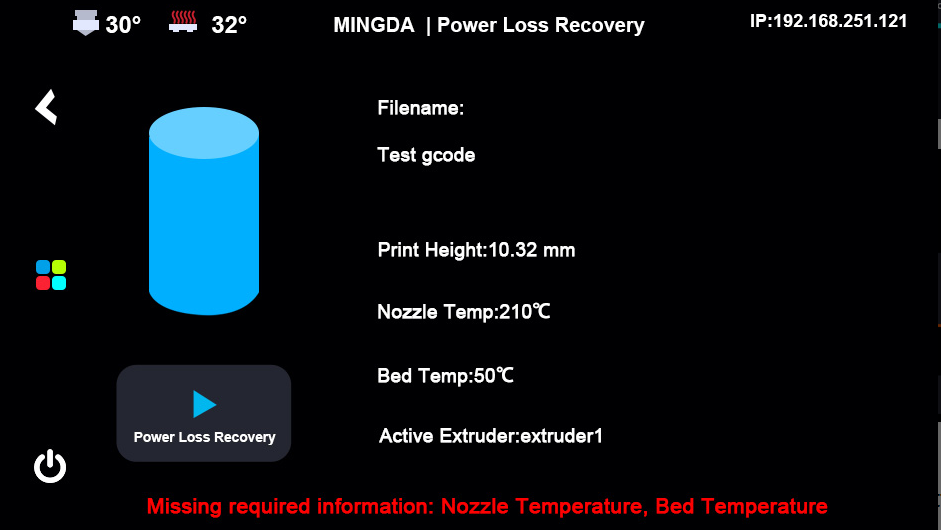
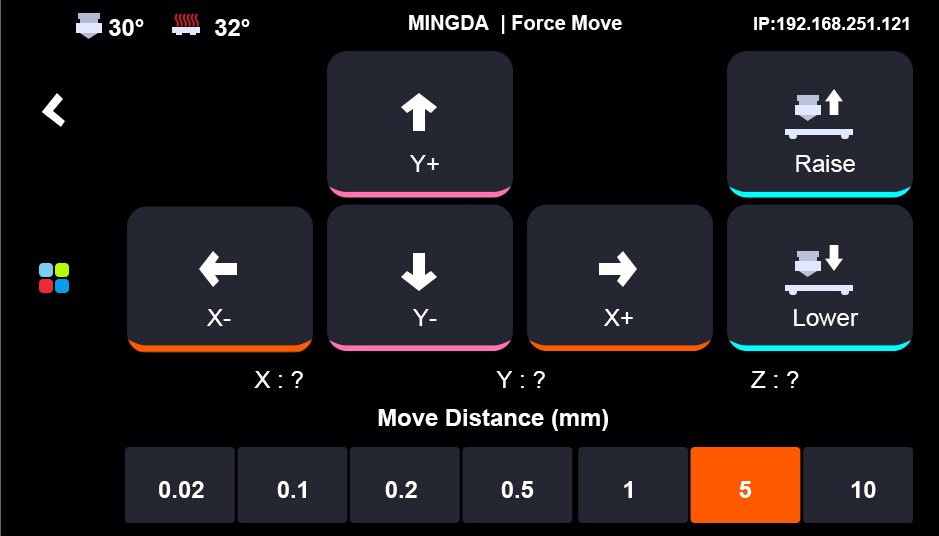
Prior to resuming the print, verify whether the nozzle has dropped. If so, use the "Force Move" function to position it approximately 0.1 mm above the model surface.
After resuming the print, closely monitor the printing process and adjust the Z-offset via fine-tuning if necessary.