¶ Introduction
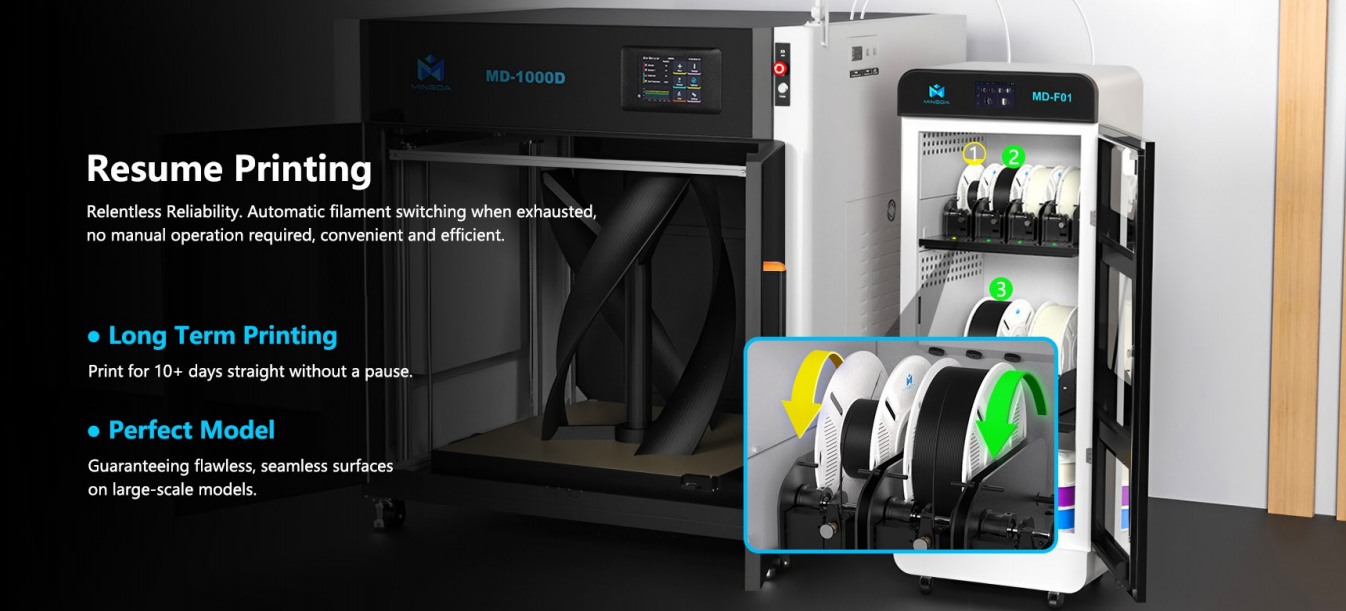
This part explains the detection of running out of the filament and how to resume printing.
¶ MD 1000D
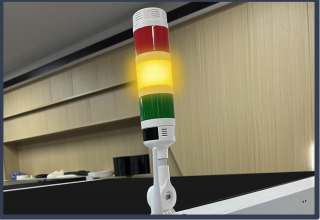
There is a filament sensor. If the filament ran out, the extruder does not extrude any filament. At that time, the sensor will work and the yellow indicator in it will turn on. Moreover, the printer will automatically pause.
So you need to open the filament cabinet and insert the new filament into the extruder. Then, on the screen, you need to click "Load" until the new filament is extruded from the nozzle.
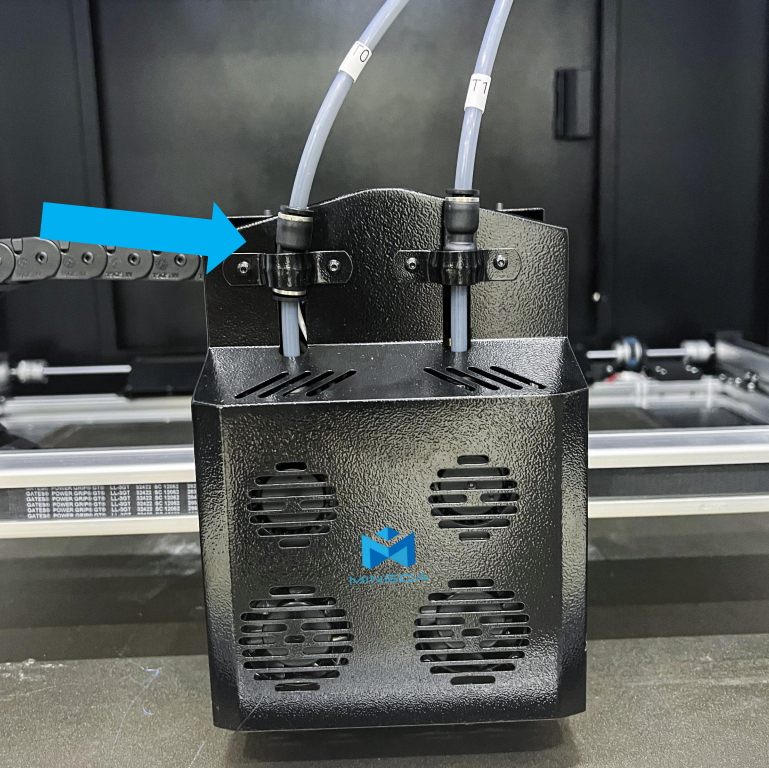
Finally, you need to click "Resume" and continue to print from the point of interruption.