¶ Introduction
This guide is intended to introduce the MD600D printer screen buttons and operating functions.
¶ MD600D
The following section covers the 3D printing part of the MD600D 3D Printer.
¶ Main Interface
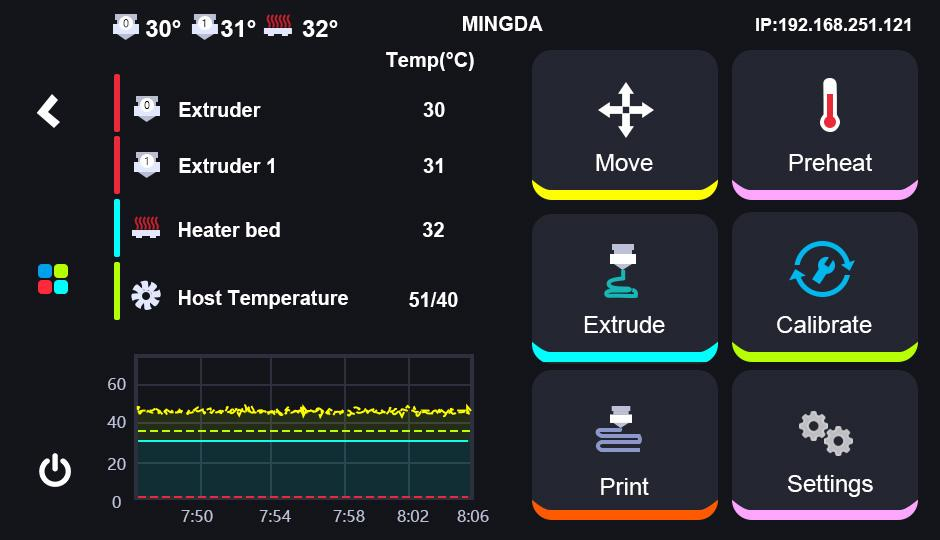
On the left side of the main interface is an on-screen menu bar that includes the Back Button, Main Menu, Shutdown Button, Extruder, Extruder 1, Heater bed and Host Temeprature; on the right side is the Move Button, Preheat, Extrude,Calibrate, Print and Settings.
¶ Back Button
the Back button: When you want to exit the current page, click the Back button and return to the previous page.
¶ Main Menu
the Main Menu: No matter which interface you are in, you can click the main menu button to return to the homepage.
¶ Shutdown Button
the Shutdown button: when you turn off the printer, you can click "Shutdown" button to turn off the printer.
¶ Extruder and Extruder 1 Temperature
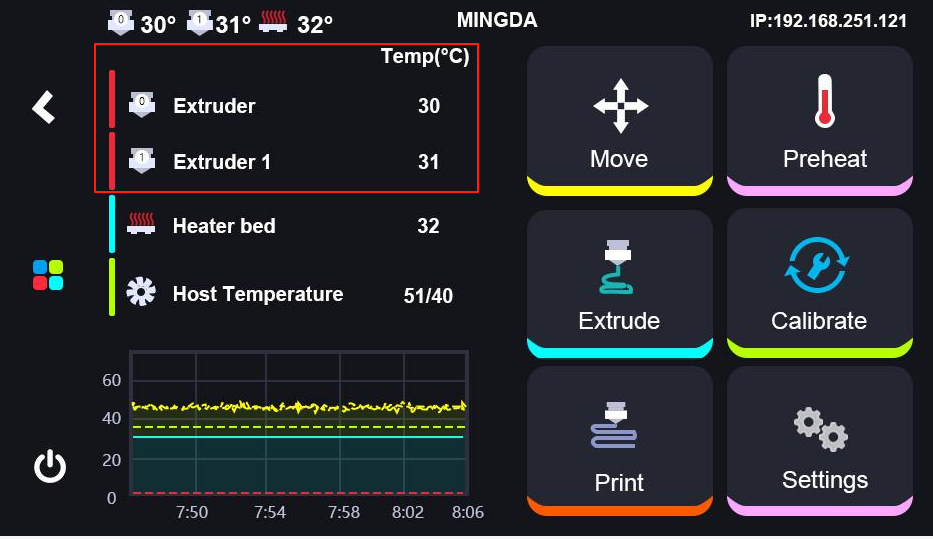
You can click the extruder temprature to enter a value and set the temperature according to the printed filament.
¶ Heaterbed Temperature
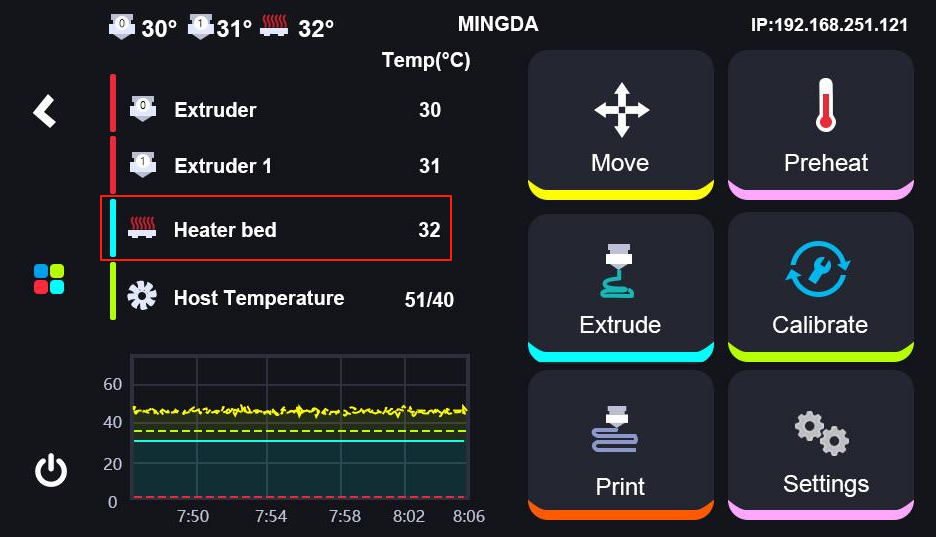
You can click the heaterbed temperature to enter a value and set its temperature.
¶ Host Temperature
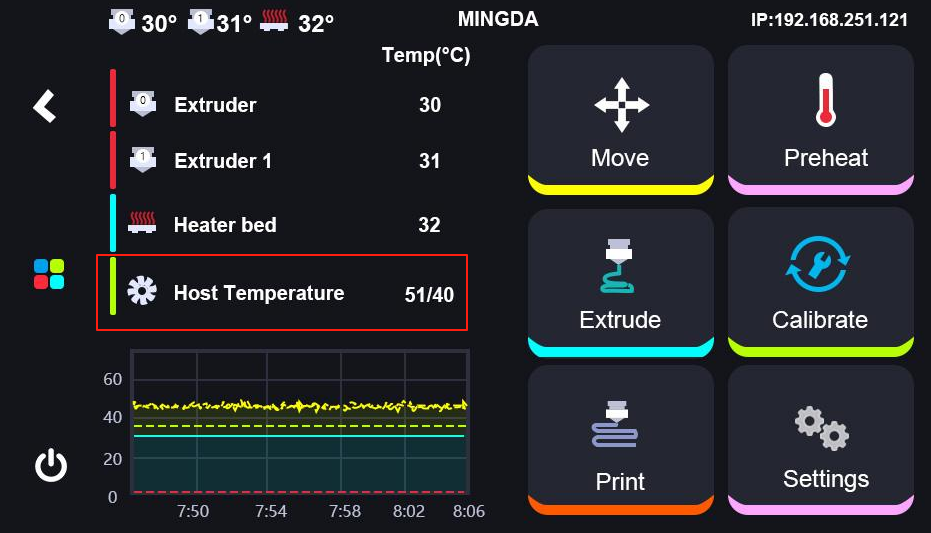
The Host Temperature generally follows the temperature that the system sets.
¶ Temperature Display Area
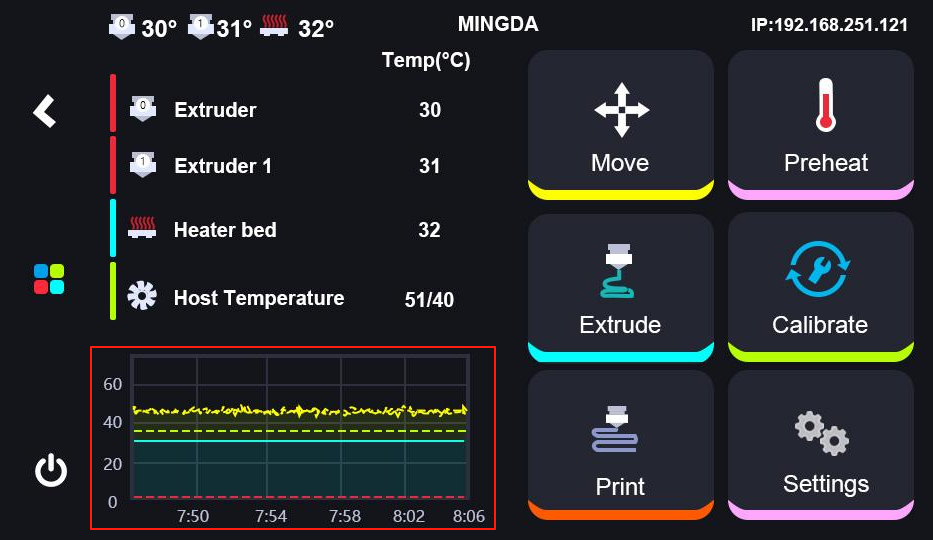
In this area, you can see the current temperature.
¶ Controls
¶ 1. Move Button
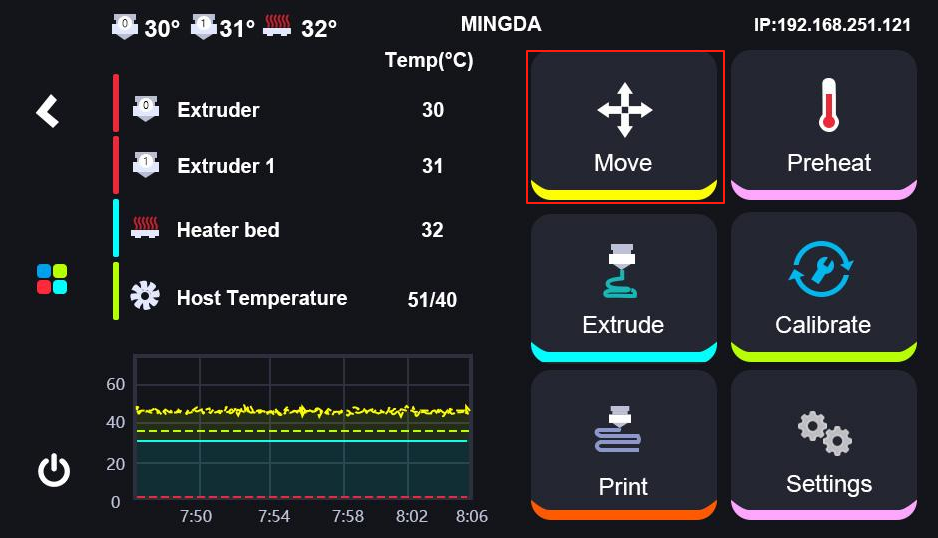
Click the "Move" button to move or home X,Y and Z axis.
¶ 2. Preheat Button
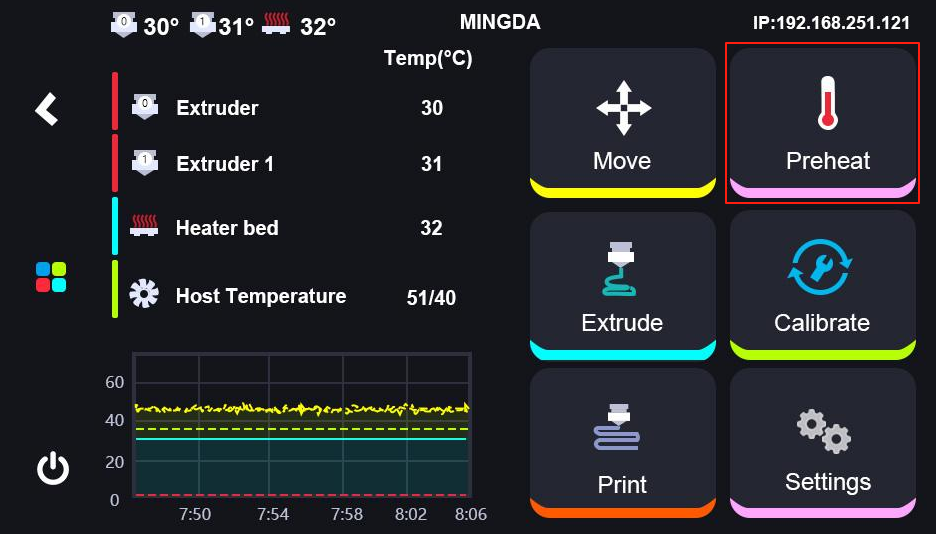
Click the "Preheat" button to pre-set the nozzle and heaterbed's temperature.
¶ 3. Extrude Buttton
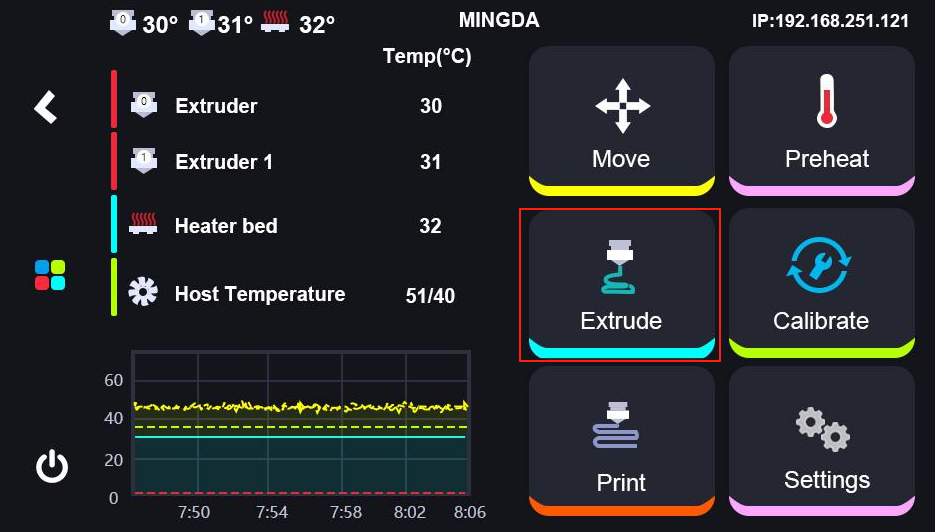
Click the "Extrude" button to load filament.
¶ 4. Calibrate Button
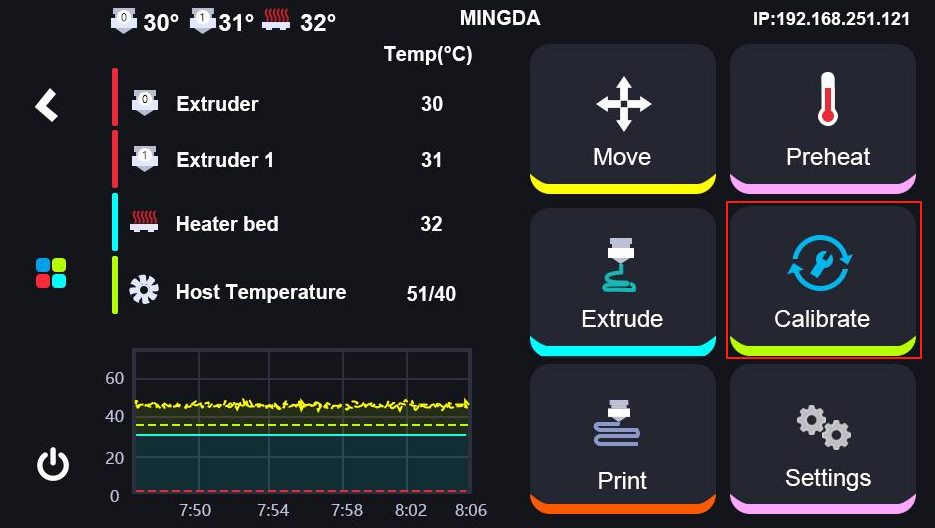

Click the "Calibrate" button to start the Calibration, then follow the sequence shown in the diagram step by step.
¶ 5. Print Button
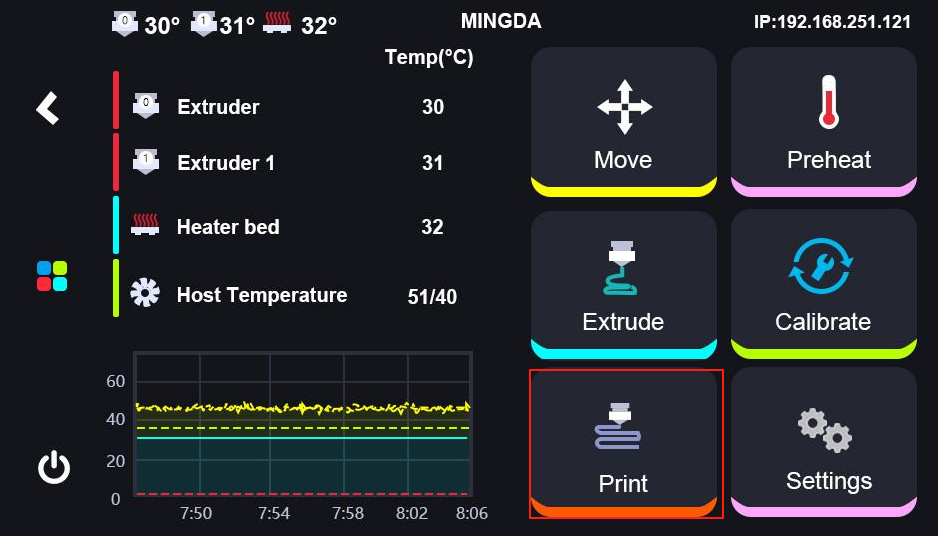
Click the "Print" button to start printing.
¶ Settings
¶ 1. network
It mainly works to connect Wi-Fi.
¶ 2. Fan
It is to adjust the cooling fan.
¶ 3. Leds
It is used to turn on or turn off lights.
¶ 4. System
It is to proceed the procedures of machine shutdown, restart and reset function.
¶ 5. Update
It is mainly used to update Klipper and Klipperscreen.
¶ 6. Manual
It is to explain every part and instructions of MD1000D.
¶ 7. Troubleshooting
It includes some solutions and measures about some issues.
¶ 8. Power Loss Recovery
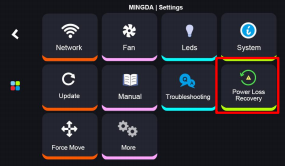
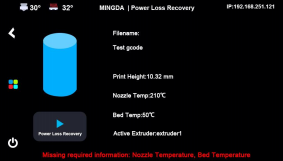
It is used to resume the printer after power failure or system error.
Once power is restored, turn on the printer. It will perform a self-check automatically. Then go to Settings > Power Loss Recovery to resume printing.
Note:
- If the printed height is less than 1 mm, resume printing is not supported.
- Prior to resuming the print, verify whether the nozzle has dropped. If so, use the "Force Move" function to position it approximately 0.1 mm above the model surface.
- After resuming the print, closely monitor the printing process and adjust the Z-offset via fine-tuning if necessary.
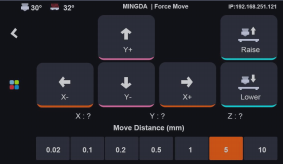
¶ 9. Force Move
It can be used to move the toolhead if necessary before resuming the print.
¶ 10. More
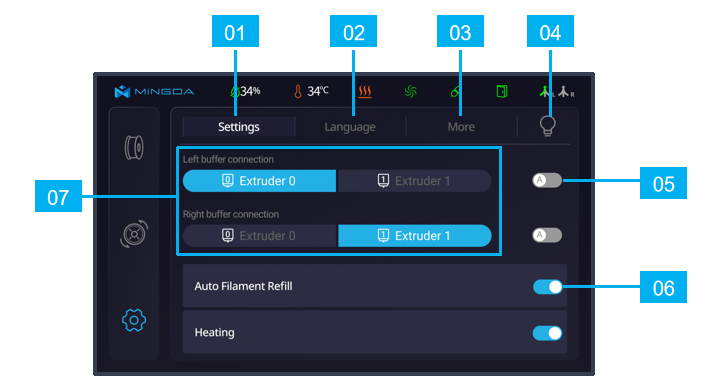
It largely includes some basic settings such as time, language, screen timeout, notification sound toggle, and automatic shutdown after printing completion.